Tattoo Simulator
A tattoo is permanent, your decision deserves a rehearsal. Try any tattoo on your own photo, free, in about a minute.
Realistic try-on, on your own skin
Upload a photo of the placement area (forearm, shoulder, calf...), then describe or upload the tattoo. The AI applies it to your skin respecting light, body curves and your skin tone. The result looks like a real photo of you, tattooed.
- Your real skin, your real lighting
- Upload an existing design or create one
- Result in about a minute
Generate the tattoo first
If you only have an idea, start with the AI generator: describe the tattoo in plain English, pick a style and placement, and refine until it is exactly right. Then send it straight to the simulator.
- 25+ tattoo styles
- Two variations per generation
- Refine with simple instructions
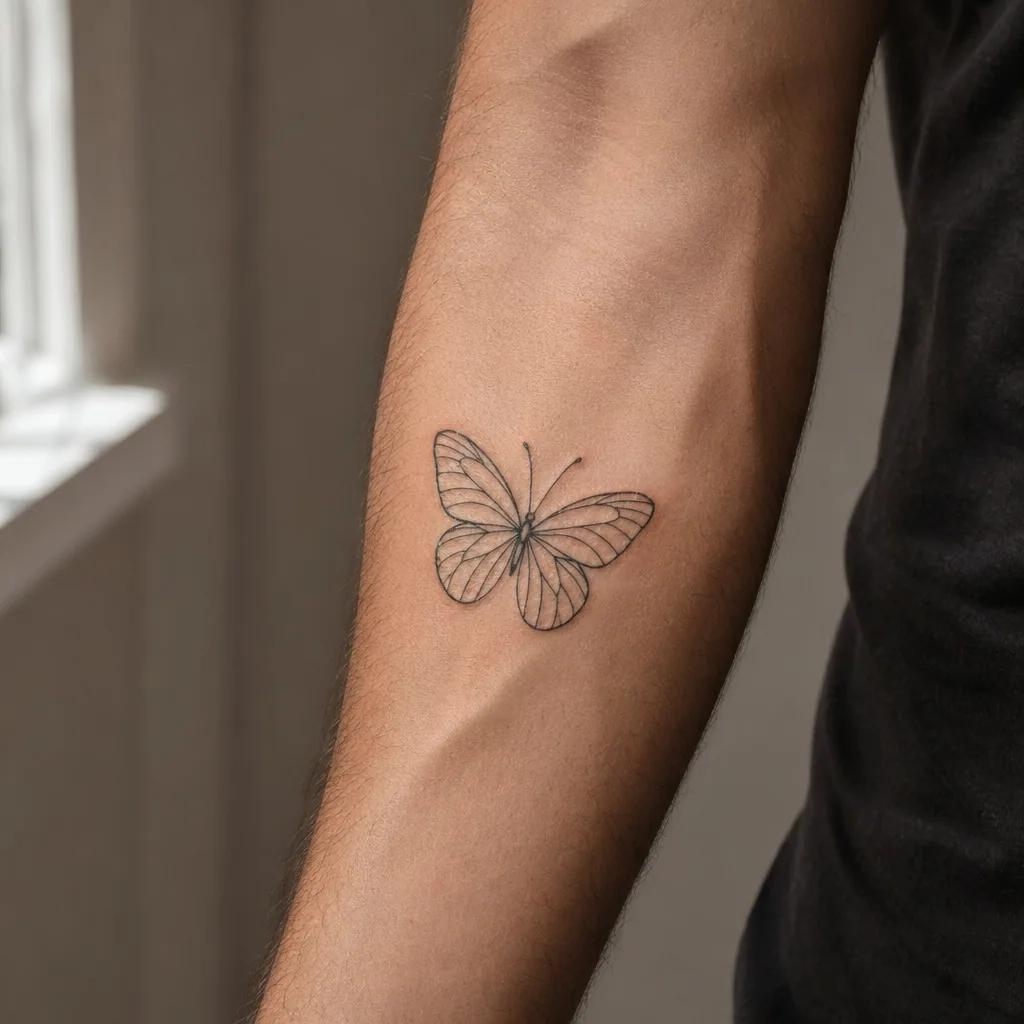
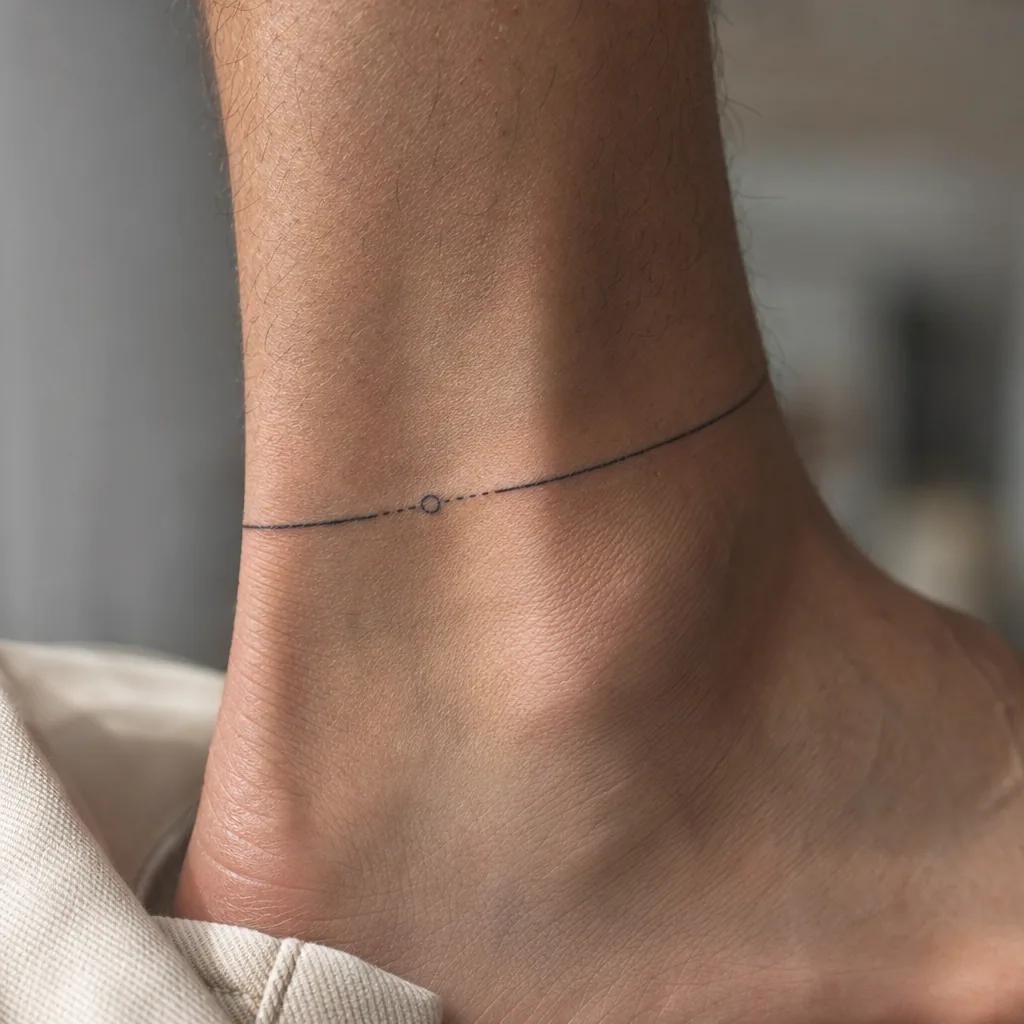
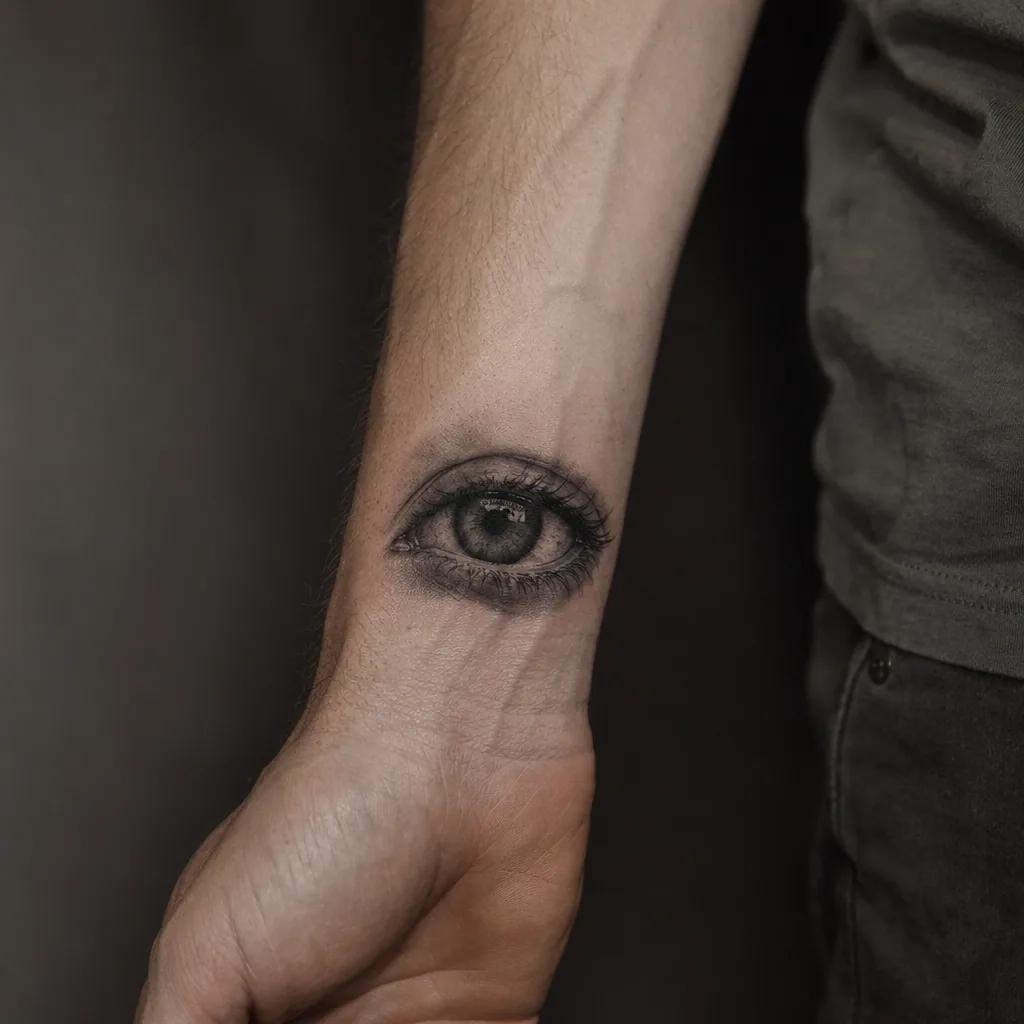
What a simulation looks like
The render follows your body curves, the lighting of your photo and your skin texture: the ink looks placed, not pasted.
Simulate your tattoo in 3 steps
Choose your tattoo
An idea described in a sentence, an uploaded design, or a photo of an existing tattoo: all three work.
Upload your photo
A clear photo of the body area you are considering. The simulator keeps your pose, lighting and skin tone untouched.
Compare and decide
Download the previews, compare placements and sizes, and show the result to your artist. You arrive at the appointment sure of your choice.
No design to simulate yet?
Create one in 15 seconds with the AI tattoo generator, or browse tattoo ideas by subject and placement: every image in the library can be tried on your skin in one click.
Simulate my tattoo nowFrequently asked questions
Is the tattoo simulator free?+
Yes. Your first simulation is free and does not require a credit card. A free account unlocks additional generations and lets you save your previews.
Can I simulate a tattoo I found online (Pinterest, Instagram)?+
Yes. Upload the image, even if the tattoo is already inked on someone else: the AI extracts the design itself and renders it on your photo. It is the best way to check whether an inspiration actually suits you.
How realistic is the result?+
The render reproduces how ink behaves on skin: it follows your body curves, reacts to the lighting of your photo, keeps skin texture visible through the ink, and warms the blacks slightly like real ink. It is not a sticker pasted on a picture. Exact sizing should still be confirmed with your artist at stencil time.
Which body placements can I test?+
All the classics: forearm, upper arm, wrist, shoulder, back, nape, chest, ribs, thigh, calf, ankle, hand, finger... Your photo decides the framing, so any area you can photograph, you can simulate.
Why simulate before getting tattooed?+
Because a tattoo lives at a specific size and placement, not on a moodboard. Simulation prevents the three classic regrets: too big or too small, wrong placement, and a style that does not match your skin. Five minutes of simulation can save you years of regret or expensive laser removal.